 QBox Player
The music that's
already on your phone.
QBox Player plays the audio files sitting in your storage — downloads, recordings, things you were sent years ago. Nothing to upload, no account to make, and it works with the aeroplane mode on.
 Free · Android 7.0 and up
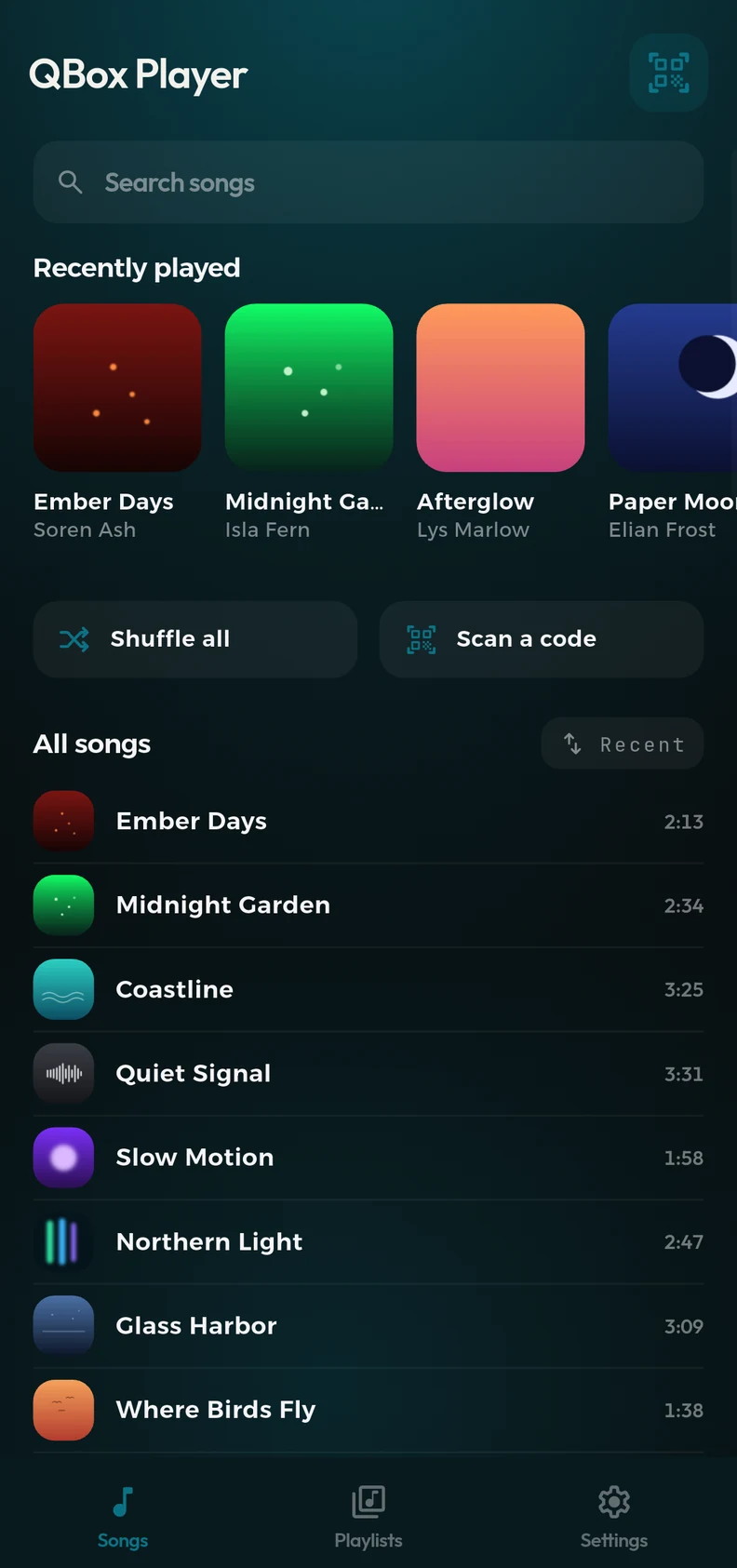
Equalizer
Ten bands, on every phone.
Most Android equalizers hand you whatever your phone's audio hardware offers — usually five sliders. QBox builds its own ten-band stage instead, so the layout is the same on a cheap phone as on a flagship: 31 Hz through 16 kHz, ±15 dB.
- Fifteen presets — and your own curves, saved under a name you choose.
- Bass boost and volume boost, both behind one limiter so pushing the gain doesn't turn into clipping.
- It remembers. Your curve survives updates, and moves with you if the band layout ever changes.
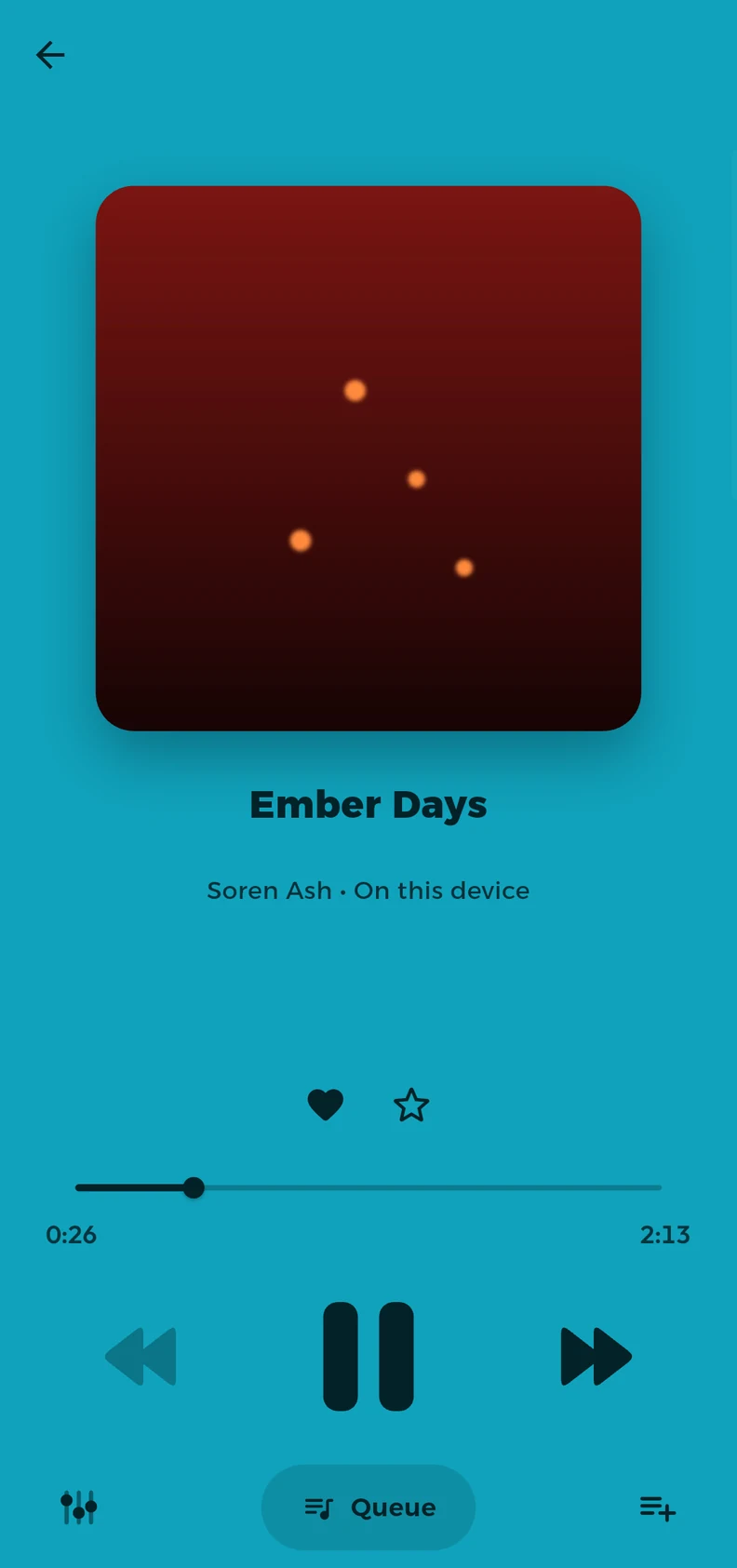
The player
Everything where your thumb already is.
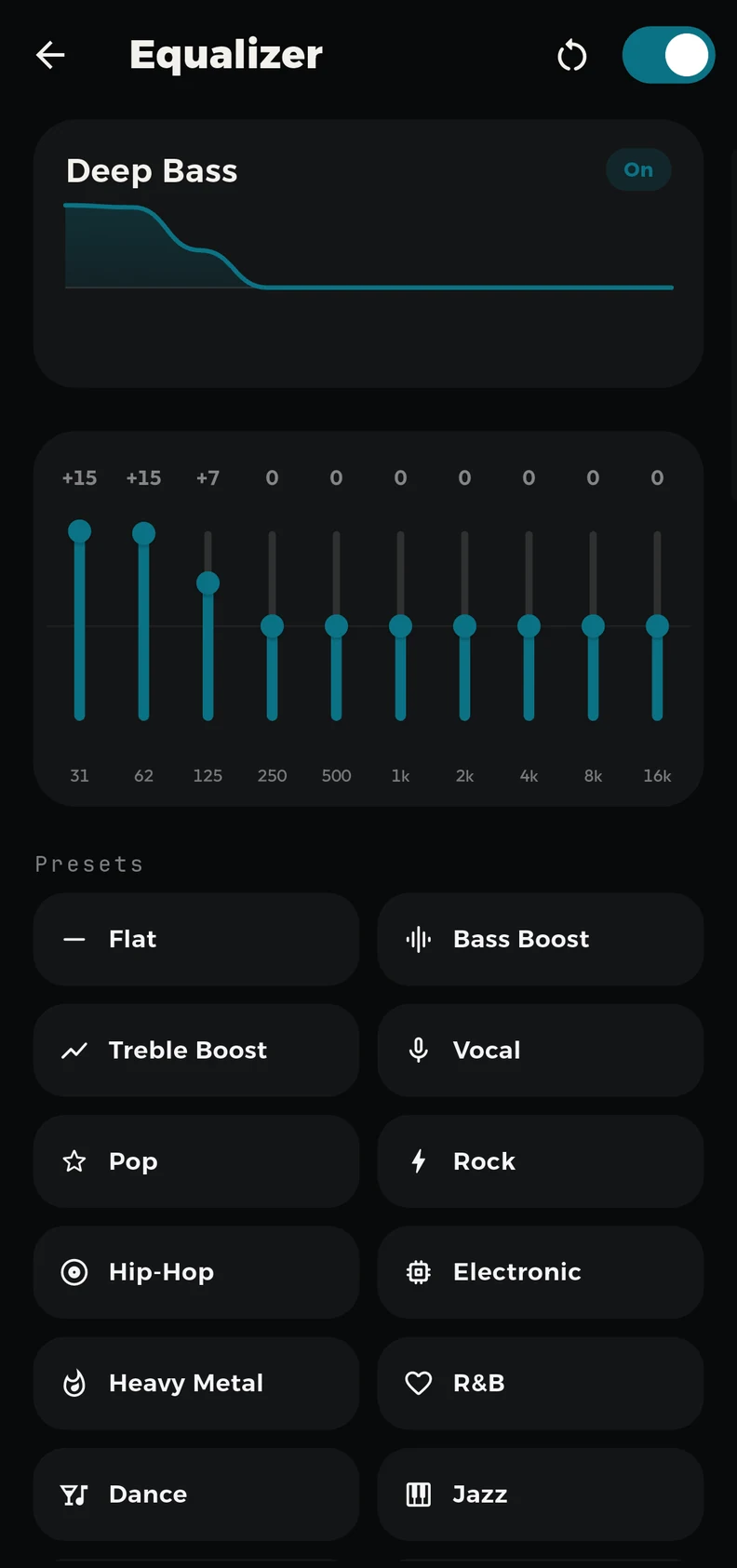
Three rows, each meaning one thing: the song's own buttons under its title, the transport in the middle, and the equalizer, queue and add-to-playlist along the bottom. Swipe the artwork to change track.
Turn the phone sideways and the whole player comes with it — including the equalizer and the queue, which most players quietly drop.
Sharing
A playlist as a QR code.
Pick some songs, and QBox turns them into a code someone can scan off your screen. They get the actual audio files, not a link to a service they'd have to join.
Scan and it's yours
The songs download to their phone and play offline, the same as everything else in their library.
Nobody signs up
No account on either side. Sharing a playlist doesn't require the other person to become a user of anything.
It expires
A shared playlist stops working after a day. Codes you hand out at a party don't follow you around forever.
Everything else
Built for the phone it's on.
Five languages
English, العربية, Español, हिन्दी and Português — with the layout properly mirrored for right-to-left, not just translated.
Yours to look at
Light, dark or follow the system; eight accents, a colour pulled from the album art, or one you pick yourself; three list densities.
Favourite part
Mark the stretch of a song you actually came for, and loop just that.
Put your own music back in reach.
Free and ad-supported, for Android 7.0 and up.